
LIAM for Matrix42
Key Facts
- Automated conversion of existing permissions into services
- Requesting, approving, and granting access rights directly in the Self-Service Portal
- Automated creation of new resources such as folders, Teams, AD groups, or mailboxes
- Documentation of all rights in the Service Catalog
- A dedicated dashboard for administrators to manage permissions and users
- Easy return of access rights no longer needed by users or owners
Permissions as a Service
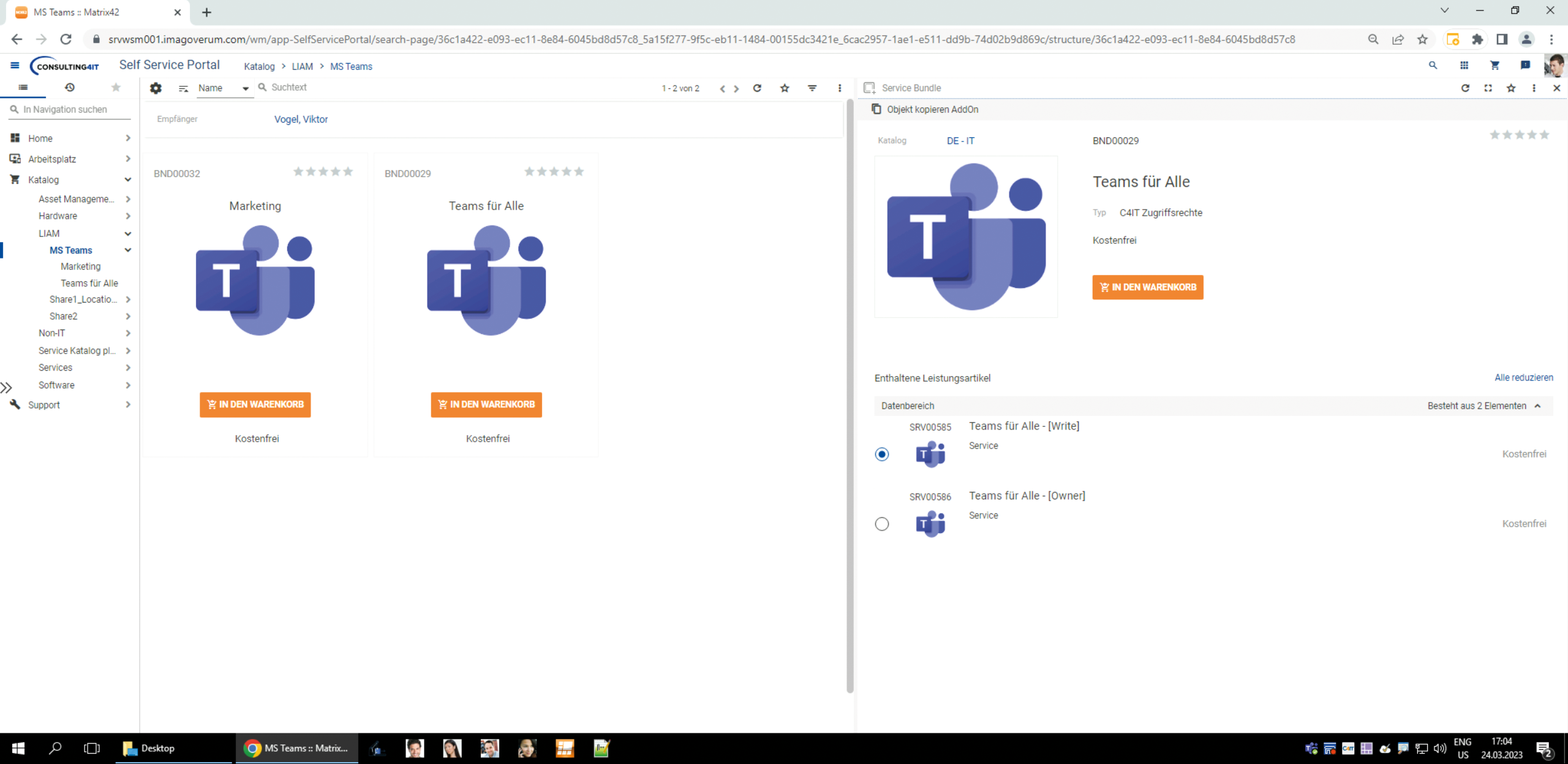
LIAM (Light Identity Access Management) transforms traditional access management into an automated service experience. Instead of having to submit time-consuming requests or manually assign permissions, LIAM maps all access rights as structured services within the Matrix42 portal—including intelligent request submission, approval, and implementation. Employees can conveniently request the permissions they need via the self-service portal—for example, for network drives, Microsoft Teams, or shared mailboxes. Once approved by the responsible person, everything is automatically set up and documented.
New resources can also be requested directly through LIAM and created automatically—from subfolders and new teams to email distribution lists and AD groups. The appropriate permissions are set up at the same time. This transforms permission management into an efficient, traceable process that is fully integrated into your service processes.
Just like in the online store
For employees, this means they can request access rights directly through the self-service portal—as easily as purchasing a product from an online store. For administrators and departments, this provides greater transparency, security, and control over the assignment of access rights. Owners can see at a glance who has access to their areas and manage these permissions in a targeted manner. Access rights can also be automatically revoked when necessary by setting time limits on services.
What you can do with LIAM
- Requesting and automatically granting access rights to folders and directories
- Creating and managing new Microsoft Teams – including automatic assignment of permissions
- Configuration and management of access rights for mailing lists and shared mailboxes
- Automated creation and assignment of permissions for general AD groups
- Users can independently revoke access rights via the portal

Marcel Nyhuis
Our CSM team is here to answer your questions about our products.